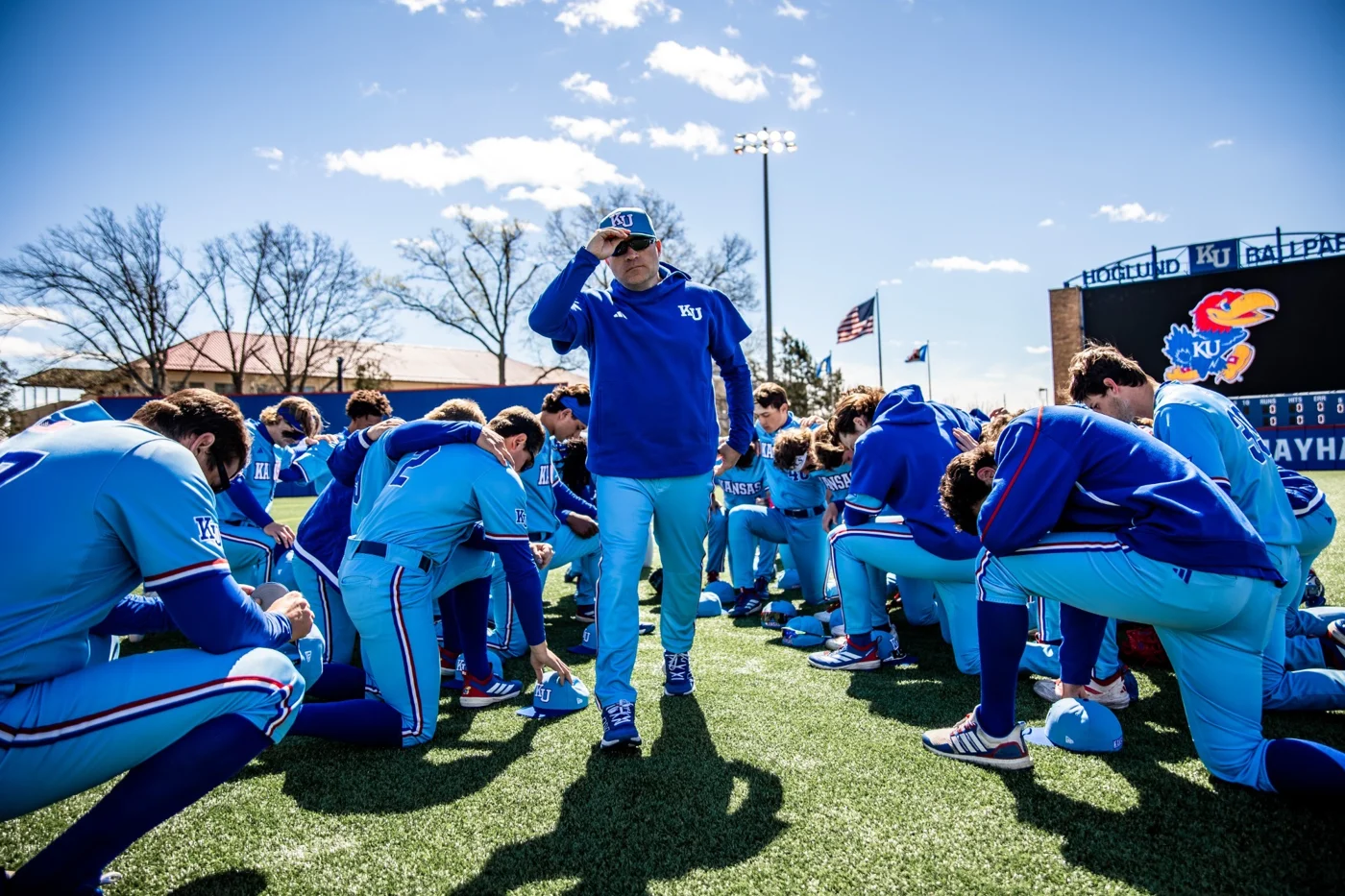
To watch KU baseball, choose the Kansas Jayhawks game first and follow the video link on KU Athletics' schedule or Live Events page. To hear the Jayhawks broadcast, use the game's official audio link or the listed radio outlet. Video and radio can be different products, and the provider can change with the host or tournament. This guide was checked October 20, 2026; completed 2026 examples explain the process without claiming a finalized 2027 broadcast slate.
Find the broadcast attached to the exact Kansas game
Start at the Kansas baseball schedule, then open the corresponding event on the official KU schedule. Match the opponent, date and venue before selecting a stream. This is the Kansas Jayhawks in Lawrence, rather than the Kansas State Wildcats in Manhattan. Broad searches for Kansas baseball can mix those schools, unrelated youth teams and old replays.
The KU Live Events page provides another useful route because its event table separates the sport and opponent from the TV, radio and streaming information. Read the whole row. An ESPN label in the site's general navigation does not establish which service carries a particular baseball game, and an audio button does not promise a video picture.
At this October check, the current events feed contains several sports. Its existence does not mean the baseball team is playing today. The baseball schedule also groups fall exhibitions with the following spring's season, so the year at the top is not enough to identify when an individual event happens. Read the date beside the matchup and distinguish a completed exhibition from a future regular-season game.
Keep three pieces of information together: when the game is scheduled, who hosts it and which link is attached to it. A neutral-site listing can use the word versus even when KU is away from Hoglund Ballpark. That matters because the event organizer may supply the broadcast. A home or away label is a helpful starting point; the listed provider still decides where you should sign in.
Check the time-zone label before building your evening around first pitch. KU's current schedule displays CT. If you live elsewhere, translate that time deliberately rather than assuming the number is local to your screen. A host school in another time zone may display its own local time, so two different numbers can describe the same first pitch.
A date announcement can arrive before broadcast details. For example, the current 2027 Frisco rows identify the March 5–7 games but do not yet provide watch links in the schedule text we inspected. That is a reason to return closer to the event, not a reason to invent a channel or conclude there will be no coverage. Save the official event rather than a speculative streaming post.
For a quick daily check, use games today to locate the matchup, then make the same official-link check. If a search result says live, verify whether it means a live game, a live-stat feed or a replay that was originally streamed. The most useful result is the one connected to the exact contest you intend to follow.
Match the video listing to the access you actually need
KU's March 2026 Sacramento State preview is a useful worked example. It identifies ESPN+ for both midweek games and supplies individual watch links, with Jayhawk Sports Network audio listed separately. The useful lesson is the layout: one event can have several ways to follow it, and they do not all have the same access requirement.
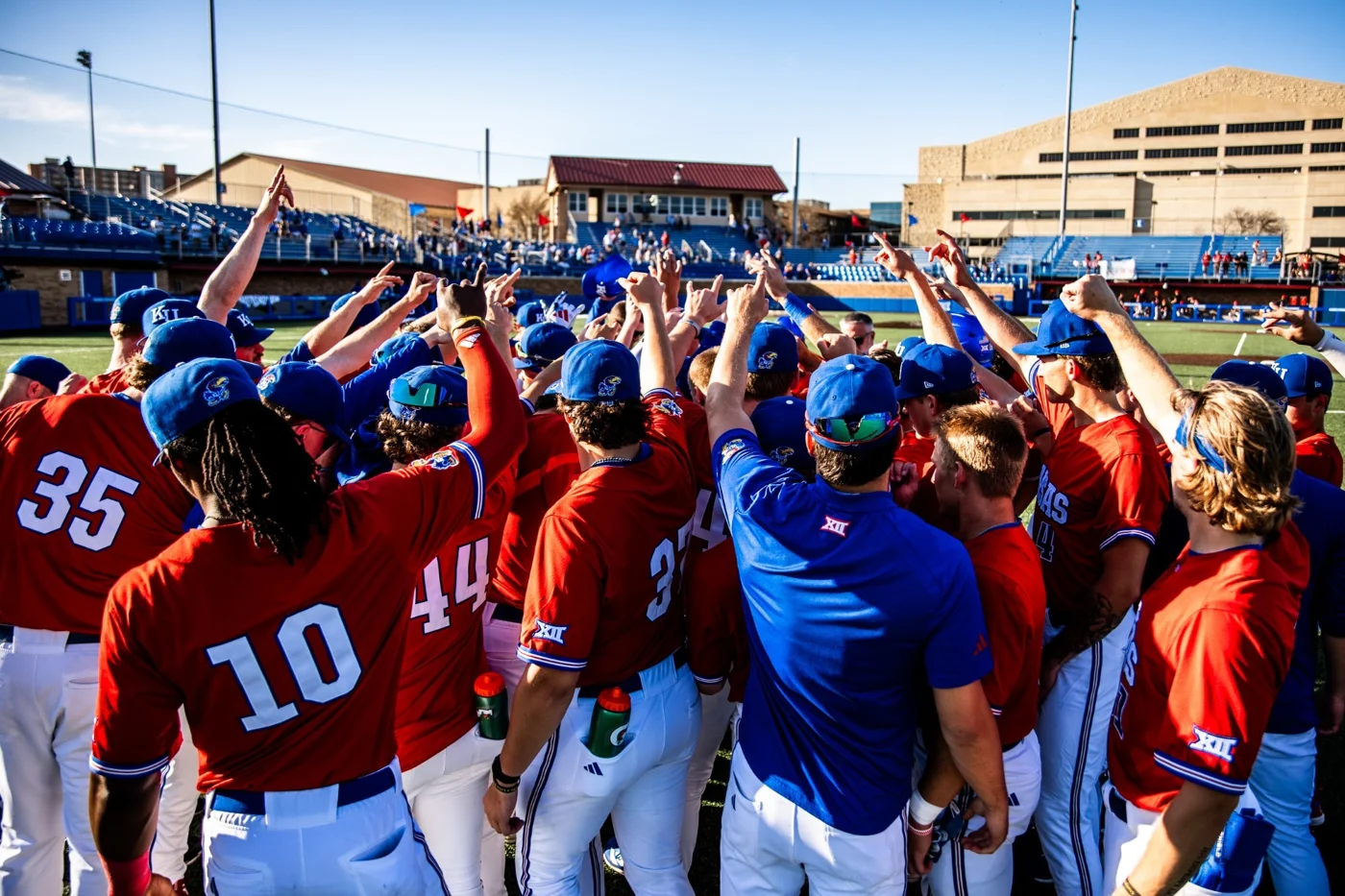
An ESPN+ stream and an ESPN television channel are different listings
The plus sign matters. ESPN's current plan explanation describes ESPN Select as including the ESPN+ library, while ESPN Unlimited adds access to networks including ESPN and ESPN2. Check the plan or eligible provider benefit you actually hold. An ESPN+ event and an ESPN2 television listing should not be treated as interchangeable labels.
Before buying anything, sign into your existing account and inspect your entitlements. If a television or streaming package advertises an ESPN benefit, follow that provider's activation instructions and use the matching account. Having the app installed is different from having the necessary access active. An account that opens highlights can still require a different entitlement for a live event.
For a game listed on a television channel, compare the exact channel with your package. For a game linked to an ESPN+ event, use the event's access screen and current plan explanation. This avoids a common waste of time: searching channel numbers for something delivered as a separate digital event. It also avoids paying twice for access that may already be included in an eligible package.
Free to an existing subscriber is not the same as free to everybody. If the watch page requests an eligible subscription, treat that as the governing offer rather than trusting a search result promising a free stream. Trial eligibility, promotional terms and account requirements must be checked at the service itself. For broader platform context, see our college baseball YouTube TV guide.
Road games and tournaments can send you to another provider
The completed 2026 Kansas schedule demonstrates the variation. Its Minnesota games in late February and early March are labeled B1G+. The May 21 Big 12 quarterfinal is listed on ESPNU, the semifinal on ESPN+ and the May 23 championship against West Virginia on ESPN2. These are dated examples, not assignments for the next season.
That pattern changes how you plan a weekend. Confirm each game individually rather than opening Friday's link and expecting it to serve Saturday and Sunday. An opponent may provide a different event page for each contest. A tournament can also move between digital coverage and a television channel as the field narrows, even when your team remains at the same ballpark.
When Kansas is on the road, compare KU's event with the host school's listing. When the game belongs to a neutral-site tournament, inspect the event organizer's current broadcast announcement. Use the official link to reach the provider and read its package description before committing. A school name appearing in a provider's search results does not establish coverage of the whole season.
If your budget is tied to one series, write down the actual games you want first. Then work out which service covers those dates and whether an existing plan already fits. A broad subscription chosen before the event lookup can solve the wrong problem. The baseball schedule tells you what to watch; the individual listing tells you how to access it.
Use official radio when you want the Jayhawks call
For the Kansas broadcast, begin with the game's Listen link or the Jayhawk Sports Network page. KU provides an official live and on-demand audio player. Choose the baseball event rather than assuming whatever is currently playing is the contest you want. The network serves several sports and also carries programming that is not live play-by-play.
A dated confirmation helps identify the radio option. KU's March 17, 2026 weather announcement lists KLWN at 101.7 FM and 1320 AM, alongside Jayhawk Sports Network audio, for the rescheduled game. Those station frequencies are a useful local route when that contest is on the station; verify the current game's listing before tuning in.
The KLWN KU Baseball page is another legitimate starting point. Its visible game table was older than the current season at this check, so use KU's current event for the date and time. A station can have a real relationship with the team while an old page remains online. The affiliation and the currency of the schedule are two different questions.
Terrestrial radio and an internet player also behave differently. Within reception range, you can tune the listed AM or FM frequency without buying an ESPN video plan. Online, follow the school or station's current event link and read any access notice it presents. Do not assume an unrelated radio aggregator's Kansas category guarantees the live baseball rights or availability in your location.
Audio is particularly useful when you want to stay with the game while doing something that does not require a television picture. It also gives you a way to keep following if your chosen video is unavailable. Open the feed before first pitch, confirm the sport and listen for the current matchup. A silent player could be waiting for the broadcast; it could also be the wrong event or a device setting, so diagnose those possibilities separately.
Hawk Talk is a different kind of program. The network's page includes a Dan Fitzgerald coaches show, which offers discussion about the team rather than a substitute for the live contest. Check whether you selected a game, an interview or a past event. That small distinction resolves many searches in which a real Kansas audio result still does not provide today's play-by-play.
Keep a live-stat window beside the audio
Use the official event's live-stat link when you want the count, runners and inning alongside the call. KU's Sacramento State preview, for example, supplies separate statistics links for the two dates. This is useful after stepping away: the scoreboard can restore the game situation without requiring you to reconstruct several minutes of commentary.
Expect independent feeds to run at different moments. If a score notification or live-stat update arrives before the announcer describes the play, decide whether you prefer immediate information or an unspoiled call. Close the extra feed or mute notifications if they reduce the experience. There is no single delay setting that can promise perfect synchronization across every station, device and video service.
Prepare the stream before first pitch and follow a changed game
Prepare on the device you intend to use. Opening the event on a phone does not establish that the living-room device is signed into the same account or has completed activation. Check the matchup, access screen, picture and sound ahead of the scheduled start, leaving time to resolve a login problem without missing the opening innings.
Diagnose the message before choosing a fix. A request to subscribe is an access question. A buffering picture is a playback question. A page for the wrong date is an event-selection question. A waiting screen during an announced delay is a schedule question. Reinstalling the app cannot solve a game that has been postponed, and buying a second plan may not solve a device that has signed into the wrong account.
For actual playback trouble, follow ESPN's troubleshooting guidance. Its steps include checking the device and connection, closing and reopening the app, restarting equipment, checking updates and trying another supported device. Work through the relevant steps one at a time. That lets you tell whether the change helped rather than losing track after changing several settings together.
If you need support, save the event name, device, account or provider involved and the exact error message. Those details distinguish a Kansas game that is absent from your entitlement from a general playback failure. Keep passwords private and use the platform's official support route. The goal is to restore the legitimate access you already have, not to chase a new stream every time something stalls.
Recheck KU's announcement when the game itself may have moved. The March 2026 Missouri example was shifted from Tuesday to Wednesday at 4 p.m. CT because of weather. Someone returning at the original time would not have fixed the problem by repeatedly refreshing the player. The updated school listing supplied both the new time and the broadcast information.
For a weekend series, make a small personal plan with each date, provider and first pitch. Review it again if the school announces a doubleheader or different start. A rain adjustment can change the viewing window as well as the calendar, and the second game may need its own event link. Keep the official radio option available while you check the video update.
If you cannot watch live, inspect the provider's event and replay schedule before assuming a full recording will be available. Confirm the actual replay entry and access requirement. A highlight package, a box score and a full game are different ways to catch up; a live broadcast announcement alone does not promise a permanent archive.
The reliable routine is short: find the Kansas game, read its current listing, match the provider with your access and prepare the device before first pitch. Use the official Jayhawks audio when that better suits your evening or video is unavailable. Repeat the event check for the next game rather than treating any one channel, subscription or saved link as the answer for the entire season.
Join the conversation
Share a question or a thought about college baseball. Comments are reviewed before they appear. Keep it friendly and on topic.
No comments yet. Start the conversation.
Sign in with Google to leave a comment. Your email address is not displayed.