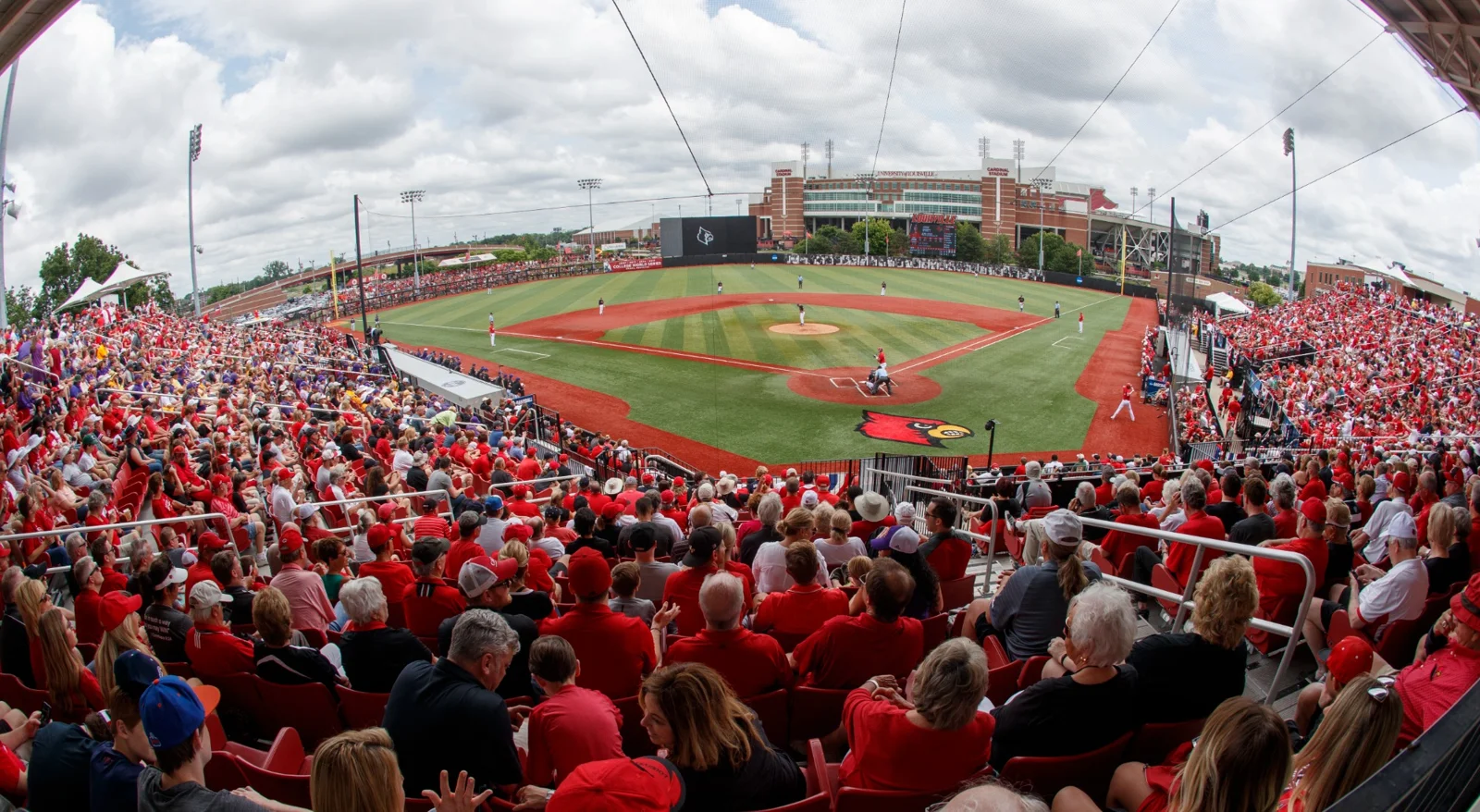
YouTube TV can be a useful college baseball subscription when your games are carried by its included channels or eligible ESPN programming. Start with the specific matchup and the plan you hold. A broad “NCAA Baseball” page is a discovery tool, not proof that every school, road trip or postseason event is covered.
The current ESPN Unlimited integration makes older advice about ESPN+ incomplete. This guide explains that change, then shows how to find games, prepare recordings and diagnose access problems. Product information was reviewed on October 1, 2026; historical game examples are labeled by season. Always confirm the current event and your account's entitlement before subscribing.
What YouTube TV can carry for a college baseball fan
YouTube TV is a paid television streaming service, distinct from an athletics department's ordinary YouTube channel. A university can post a free live video on YouTube without that event becoming part of YouTube TV's subscription inventory. Conversely, a game available through a paid television network does not become free just because the two products share the YouTube name.
The service's NCAA baseball browse page displays a sample television lineup with familiar outlets such as ESPN, ESPN2, ESPNU, SEC Network and BTN. Check the channels in your own plan and area before relying on that sample. Public pages can also retain old game dates; the matchup shown in the signed-in guide and the school's current schedule are more useful for tonight's decision.
Match the game to its channel or streaming label
Identify the exact outlet on the official school schedule. ESPN, ESPN2 and ESPNU are channel names. A digital event label such as ESPN+ or a conference's additional streaming feed describes a different kind of listing. That difference tells you where to search and which current entitlement to check. It does not establish the answer by itself, especially now that ESPN's streaming inventory can be integrated into YouTube TV.
Also confirm that the result is a game. College Baseball Live has its own program page; finding that title is not the same as locating a particular two-school matchup. Read the description, opponent names and start time. Search results can also surface NJCAA baseball, which belongs to a different collegiate association from NCAA baseball.
YouTube TV now advertises multiple choices, including its main television package and a Sports Plan. Do not treat their channel lists and ESPN entitlements as interchangeable. Features such as recording can be shared across plans while the programs available to record differ. An attractive sports label is not enough evidence that the particular school's Friday feed is included.
The best opening question is therefore narrow: does my current plan include this announced event? Answering it gives you a useful viewing choice. Asking whether YouTube TV “has college baseball” can produce a technically positive answer that still leaves your own team unavailable.
ESPN Unlimited changes the old ESPN+ answer
YouTube announced direct ESPN Unlimited integration on September 1, 2026. That is the key update for readers coming from older college baseball streaming guides. Advice that simply says YouTube TV carries ESPN channels but never ESPN's digital inventory is no longer a complete description of the current product.
The important qualification is your plan. Current YouTube TV Help requires ESPN in the lineup, giving the main plan and plans with the Sports add-on as examples. Check your membership rather than assume any plan with the YouTube TV name qualifies. This is an included benefit of an eligible paid package, not an open free stream.
Watching integrated ESPN events inside YouTube TV
For eligible direct viewing inside YouTube TV, Google says account linking is not required. Its updated ESPN network page combines channel programming with individual live events, and the live guide includes dedicated ESPN event rows. That helps explain why a game can be available without appearing as the program currently airing on the familiar ESPN channel.
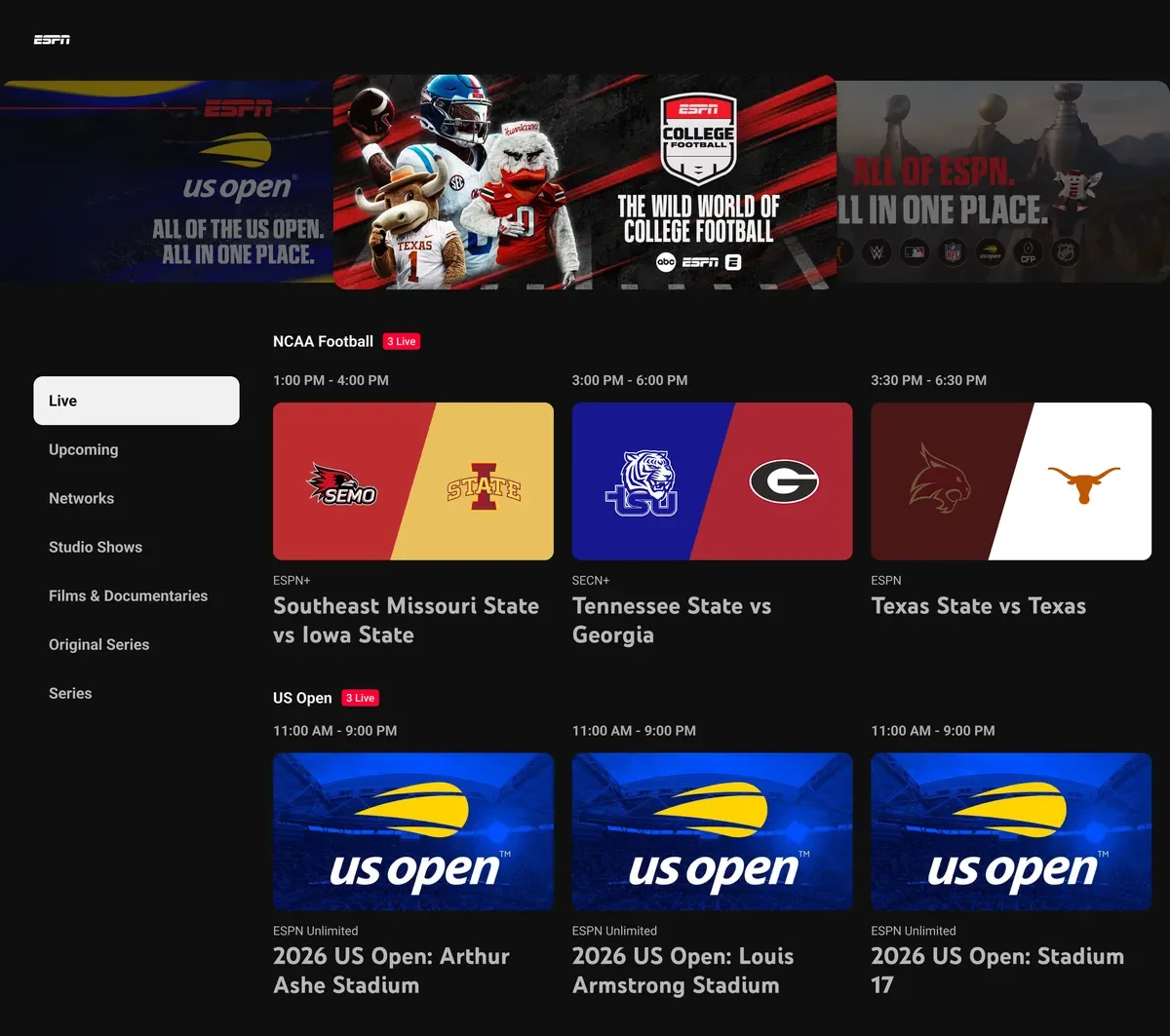
When looking for baseball, search the exact matchup and inspect that consolidated ESPN area. Compare the event label with the school announcement. If several feeds appear, read their descriptions before selecting one. A language option, home commentary or alternate camera is useful only when the event actually supplies it; their presence in the product's feature list does not promise those choices for every college game.
The launch also supports DVR and multiview for integrated ESPN content. Treat those as tools for eligible inventory, then confirm the controls on the individual event. Do not turn a broader platform improvement into a claim that YouTube TV has acquired every school's broadcasts. Games assigned to another provider still require a separate viewing check.
Activating the ESPN app is a separate useful option
If you prefer the standalone ESPN app, use the account-connection route. Google's instructions point to Profile, Settings, Sports and Connect ESPN in the YouTube TV mobile app, or the Connected Apps page on YouTube. Complete the prompts with the accounts you intend to use rather than creating an unrelated second subscription.
ESPN's September 2026 provider instructions describe its activation flow and the login needed to use the app. Account and family-manager conditions can affect the route, so follow the current prompts for your membership. The procedure is documented here; it is not presented as an activation personally tested on a subscriber account.
Make this distinction before troubleshooting: direct playback inside YouTube TV and access inside ESPN are related benefits with different setup requirements. A request to connect accounts in the second route does not mean the first route always needs the same step. If a subscription screen appears, first verify which app, account and plan you are using. That is more useful than assuming you need to pay twice.
Find the actual game before first pitch
Begin with our college baseball games today or TV schedule, then confirm the matchup on the school's official schedule. Keep the full institution names, date, venue and first-pitch time. Search for those schools inside YouTube TV and compare the result with the official listing. Finding the team is the first step; finding the correct baseball event finishes the job.
Google's viewing guidance explains that search can locate teams, events, networks and shows. Try the opponent combination when a single school name returns multiple sports. If the event belongs to ESPN's digital inventory, inspect the ESPN network page as well as the ordinary live-channel guide. A channel's current program and a separately offered live event can be different listings.
A historical example helps explain the labels. Oregon State's 2026 schedule marked its March series at San Diego as ESPN+. That was an event-level streaming designation, distinct from other outlets elsewhere on the schedule. It is not a claim that YouTube TV carried those March games before September's integration, nor that a completed game necessarily remains available in today's archive.
Read the event details before opening the player. Check that the sport is baseball rather than softball, basketball or a studio discussion. Confirm the date rather than rely on the first thumbnail. If you are joining late, decide whether you want the live moment or an available beginning-of-game option; make that choice before opening another score page that might reveal the result.
When a game cannot be found, return to the named outlet. It may be on another service, its digital listing may need a more specific search, or the announced start may have changed. Check the school's newest notice and the provider's current help instead of assuming the plan lacks all college baseball. Equally, do not assume a familiar school logo means the missing event must be included.
Test your intended device ahead of the important matchup. An event located on a phone still needs to be opened on the television where you plan to watch. Confirm the correct YouTube TV account and preserve the event or team listing where the available controls allow it. This guide describes the documented workflow; it does not claim that every device presents identical buttons.
For a neutral-site weekend, perform the same check for each game. The organizer's production can differ from both schools' normal home broadcasts. A good season-long habit is to save the school schedule as your time reference and use the individual provider event as your viewing reference. Together they answer both “when?” and “where?”
Build a viewing routine for overlapping series
A college baseball weekend can put the game you most care about alongside several useful conference matchups. Decide which one gets your full attention and which ones you want to save or monitor. Recording and multiview solve different problems: recording preserves an eligible program for later, while multiview gives you simultaneous pictures now.
Save games without assuming every replay is identical
YouTube TV's recording instructions say to use Add beside a team or event to place its current and upcoming airings in the Library. DVR storage has no space limit, but availability restrictions can still apply. Add the game ahead of time: if you first add a program after it has started, the initial recording begins at that point.
When you return, choose the playback option that matches your intention: beginning, resume or live where offered. A recorded version and a network-supplied on-demand version need not provide the same viewing choices. Read the version shown in the player rather than assume every “watch again” tile is your own full recording.
For a long game, check that the recording includes the finish before planning to watch it much later. Baseball does not fit neatly into an assumed duration, and a schedule block is not an assurance about every saved program. Google's help provides a reporting route for bad recordings. Use that official option if a problem appears, rather than assume the final innings never happened.
Watch the complete inning when the decision-making matters. A key-play montage can show a home run while skipping the walk and missed opportunity that created the situation. Where key plays are available, they are a convenient catch-up tool; they do not replace the count, outs and runner context needed to understand a manager's choice. Their support also depends on the league and device.
Choose multiview only when the wanted games are eligible
Current multiview help describes a builder for up to four eligible programs. On supported television devices, open the multiview controls while watching eligible content and choose from the offered additions. You can change the active audio or expand a picture to full screen. This is more flexible than assuming only one preset combination exists.
It still has conditions. Google's documented restrictions include web browsers and AirPlay, and older devices can have fewer customization choices. You need the relevant subscription for add-on content. If your desired second game does not appear, verify its entitlement and multiview eligibility before treating the missing option as a device fault.
For baseball, use the smaller pictures to notice the game state, then expand the matchup whose inning deserves attention. A bases-loaded situation is easy to recognize; pitch location or a runner's movement can be harder to assess in a small panel. Keeping one primary audio source also makes the experience easier to follow. Four pictures can broaden your weekend, but careful attention to one game often explains more than constant switching.
Location and playback problems need different fixes
When a game is unavailable, read the error before changing the plan. A local-channel restriction, an incorrect current location, a missing entitlement and ordinary buffering are separate explanations. Buying an additional service is not a useful first response to all four.
YouTube TV's travel guidance distinguishes local programming from national coverage. Traveling within the United States can change the local stations you receive, and recording local programs has its own restrictions. That matters when a college game is assigned to a local affiliate rather than a national channel. A station available at home should not be assumed to remain the same local feed on a trip.
Check the home area and current playback area in your account. Google's location instructions explain how to update the current area and permit device location access. Use the actual location where you are watching. Follow any verification prompt on the affected television and its required mobile step, instead of changing the permanent home area merely because you are away for the weekend.
For a national or integrated digital event, inspect your plan and the actual event's restrictions as well. The location check does not grant rights to content outside your subscription. Similarly, correcting an account-link problem in ESPN does not necessarily solve a local television availability issue inside YouTube TV. The screen's specific message should guide the next action.
If the game starts but stalls, turn to official playback troubleshooting. Check the connection, reopen or update the app, and test another supported device where practical. Record whether the problem affects one event or every channel. That observation gives support a better starting point than simply reporting that “baseball does not work.”
Keep a fallback from the official school schedule. Radio or live statistics can let you follow the inning while the video issue is investigated. Avoid treating their update speed as identical to the picture, especially if you are watching a recording and want to preserve the result. If the stream resumes, return to the point you intended to watch rather than accidentally jumping ahead.
After resolving the issue, save the useful detail: the correct event, account, device or verified location setting. The purpose is to make the next game easier to open. A weekend series is more enjoyable when Saturday's first pitch begins with baseball, rather than another search for the same login problem.
Decide whether the plan fits the games you follow
Evaluate the service against a small sample of the baseball you actually want: an upcoming home series, a road series and a midweek game if those matter to you. Look up each announced outlet and compare it with the plan. This reveals more than a national count of channels or a generic college baseball promotional page.
The ESPN Unlimited integration broadens the useful inventory for eligible subscribers, but another provider's event remains a separate question. If most of your chosen matchups are elsewhere, do not assume a wider television lineup solves the gap. If you already hold an eligible plan, confirm its included benefit before adding a second ESPN subscription.
Use a trial to test a confirmed game, not a generic baseball page
YouTube TV's official trial terms describe eligibility, a payment method and automatic billing after the trial unless canceled in time. Read the offer shown to your account, including the actual plan, duration, renewal price and deadline. A promotion from an earlier season, or an offer for another package, is not a promise about what you can receive now.
If a trial is available, use it for a game whose outlet and access you have already confirmed. Test the television or other device you intend to use, and try the event search and recording controls while there is time to learn them. That gives you evidence about your own setup without assuming that a successful test proves the entire remaining season is covered.
Write down the billing date before joining and confirm any cancellation in the membership settings if you decide to stop. Also inspect subscriptions you already own. Your best viewing plan may use an existing included benefit for one series and an official free or radio route for another; it need not involve purchasing every service mentioned on a schedule.
Use our where-to-watch guide to compare the announced viewing routes, and return to the college baseball schedule for the games that matter to you. YouTube TV fits best when its actual eligible inventory matches those dates and its viewing tools suit your routine. Make that decision from specific events, current plan information and your own playback experience.
Join the conversation
Share a question or a thought about college baseball. Comments are reviewed before they appear. Keep it friendly and on topic.
No comments yet. Start the conversation.
Sign in with Google to leave a comment. Your email address is not displayed.