To watch St. John’s baseball, find the exact game on the New York Red Storm’s official schedule and follow that game’s video link. The service can change between a home game, a road trip and an NCAA tournament appearance. A team name in an ESPN score listing or a YouTube highlight title does not establish live viewing access.
Find the New York Red Storm game first
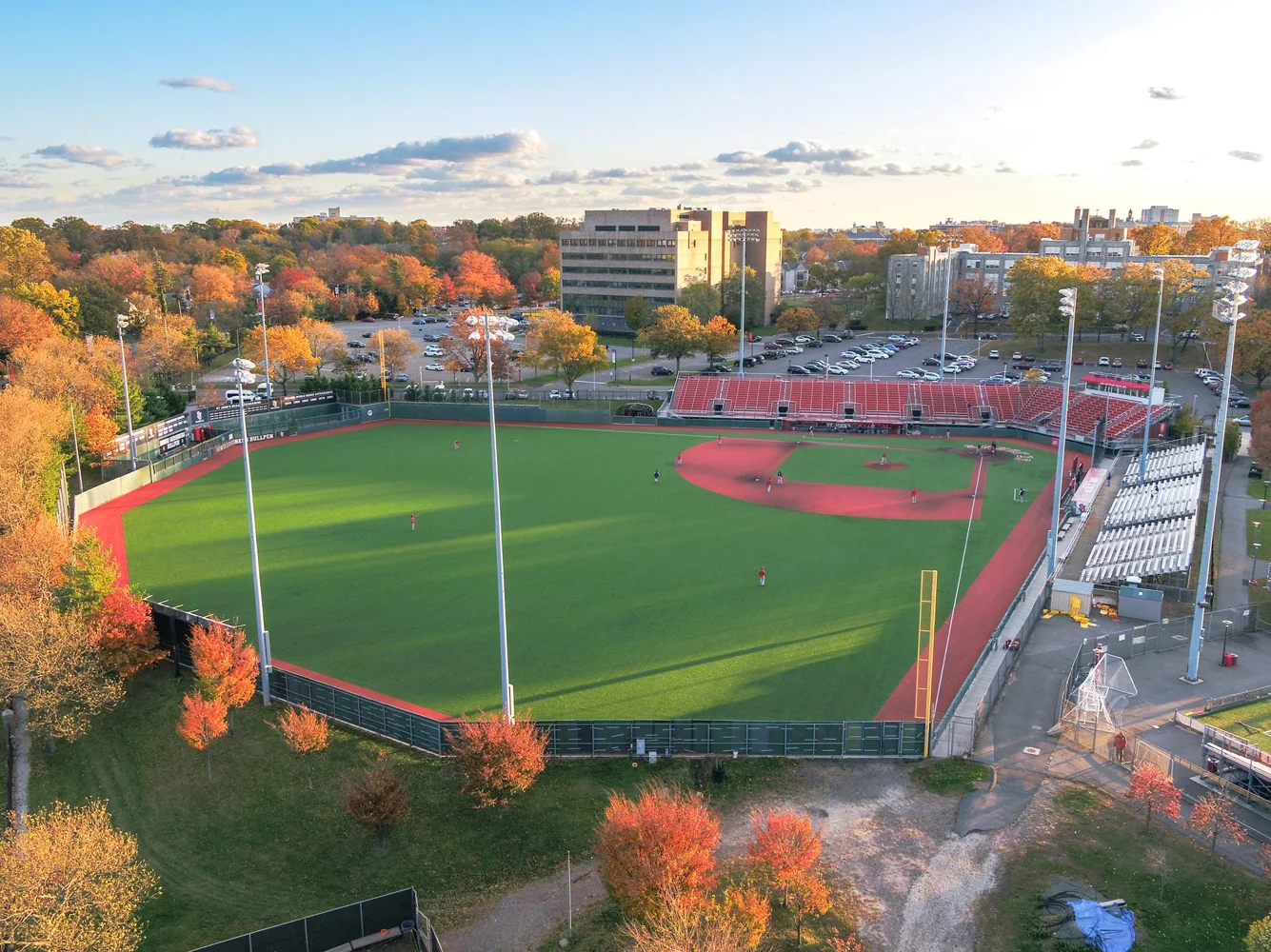
This guide concerns St. John’s University in Queens, New York, whose baseball team is the Red Storm and whose home venue is Jack Kaiser Stadium. Begin with RedStormSports.com’s baseball page, then open Schedule. That school identity matters: similarly named colleges can appear in the same search, and a live-events page belonging to another Saint John’s will not carry a Red Storm game merely because the names look alike.
Read the game entry across rather than stopping at the opponent. You need the date, season, location, start time and current status. The official 2026 schedule distinguishes home, away and neutral-site games, includes final results and identifies canceled contests. Those details determine both whether there is a live event to watch and which school or tournament is organizing it.
A home game at Jack Kaiser Stadium is different from a game in which St. John’s is merely listed first on a neutral-site scoreboard. For a road or neutral event, check the venue and hosting organization before looking for a service. The familiar Red Storm branding may lead you to the schedule, but the event’s coverage information should lead you to the player.
Today, the next game and an archived result are different searches
A “today” search should finish at a current event listing, not at the first result containing the team’s name. In the autumn, a spring schedule can remain prominent long after every listed contest is final. A past NCAA tournament game can also outrank a new exhibition announcement. Check the year and the status before interpreting a prominent Watch, Video or television label as a live game about to begin.
If there is no game scheduled for the date you want, look for the next official entry. A missing live stream does not necessarily mean a subscription is broken; there may be no live contest, the game may have been canceled or the broadcast details may not yet have been published. Buying access to a service cannot create a broadcast that has not been scheduled.
Time zones deserve their own check when St. John’s travels. Confirm whether the schedule and the provider display New York time, the venue’s local time or a setting chosen on your device. Avoid converting a time twice. A useful routine is to identify the original time-zone label first, then compare the player’s event page with your calendar.
For a broad check of the day’s college games, use our college baseball today page. For St. John’s coverage, return to the official team entry and the latest game preview. This guide explains the viewing decisions; the current schedule supplies the date and next opponent.
Follow the broadcaster attached to that particular game
The fastest viewing decision is a game-level decision. Open the current St. John’s entry, find Watch or Video and follow the destination it names. If the entry has only Live Stats, check the latest preview and the host’s official schedule rather than treating the statistics link as a hidden video player. Missing coverage information should remain an unanswered question until an official source supplies it.
What the home broadcast announcement establishes
St. John’s January 30, 2026 home-broadcast announcement planned 14 home games on ESPN+, produced by SJU-TV, with the remaining home contests on the official Red Storm YouTube channel. It included all nine home BIG EAST games in that ESPN+ group. That is useful evidence of a split home schedule, rather than evidence that every game uses one platform.
There is another distinction inside that sentence: SJU-TV identifies the school’s production operation, while ESPN+ or YouTube identifies a distribution destination. Seeing SJU-TV in a listing does not mean that you should purchase a separate service with that name. Follow the actual event link to see where the production is being carried.
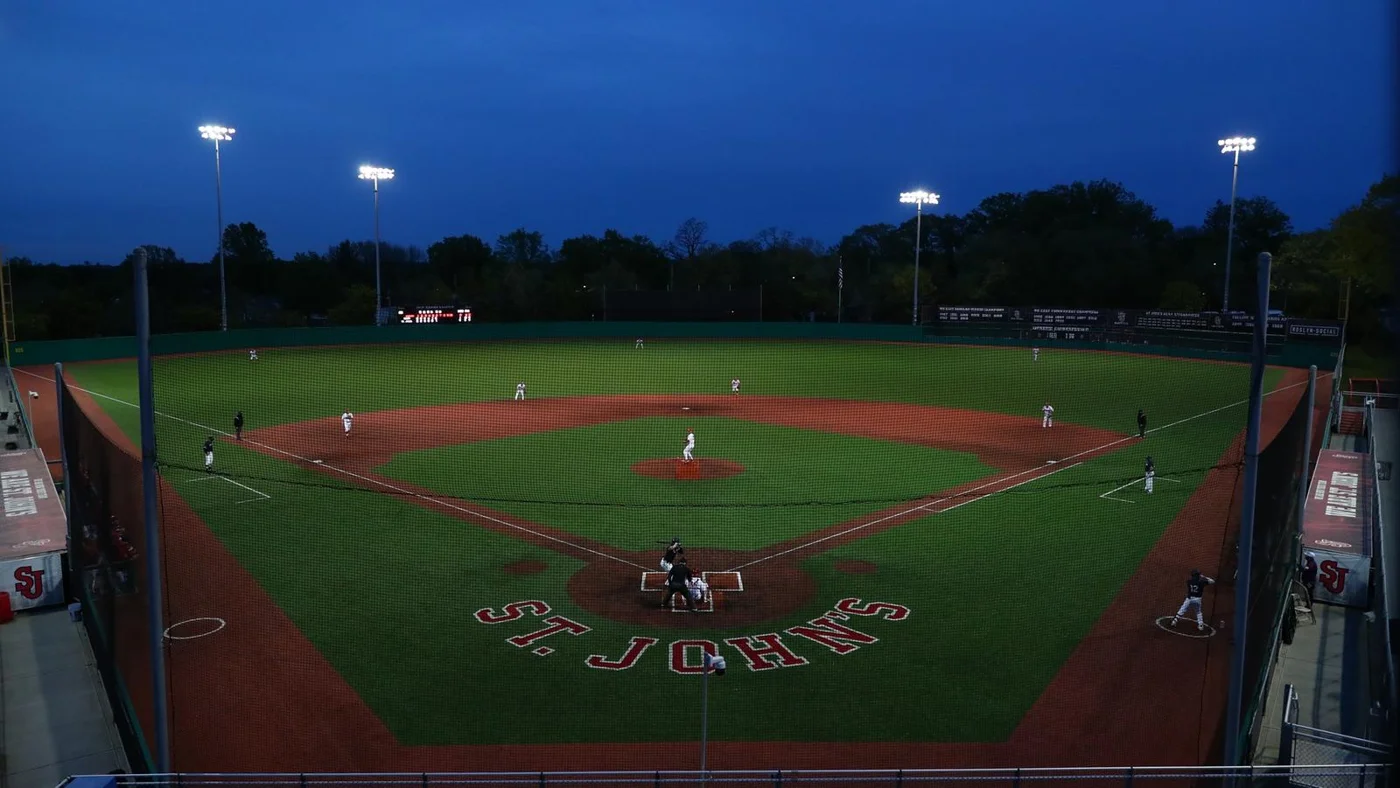
A preseason plan is also not the final authority for an individual date. For example, the initial announcement assigned the March 6 UAlbany game to YouTube, while the season schedule labels that game ESPN+. When information differs, use the latest game entry and preview. Saving the first season announcement is helpful; treating it as unchangeable can send you to the wrong player.
The March 23 midweek preview shows the benefit of that approach. It explicitly linked the home FDU game to ESPN+ and provided a separate live-statistics route for the following game at Marist. A single week can therefore require more than one following method. These are dated 2026 examples, checked October 20, 2026; confirm a new season’s assignments when they are published.
Road games and postseason can use another service
On the road, the host’s coverage arrangements become especially important. Penn State’s official March 4, 2026 home-opener preview named B1G+ for the visit by St. John’s. A subscription chosen only because it covered a Red Storm home game would not establish access to that different service.
Build the decision around the destination rather than the conference name on St. John’s uniform. Check the host’s schedule if the Red Storm page is still awaiting a link. Then confirm that the provider’s page names the same opponent and date. A generic baseball catalog can contain many nearby games without containing the one you want.
Postseason requires the same discipline. The 2026 Tuscaloosa Super Regional preview assigned the opener against Alabama to ESPN2 and said later games’ destinations would be announced subsequently. Even within a best-of-three series, the first announcement may not settle every broadcast.
An ESPN2 assignment is a channel designation; ESPN+ is a separate event-access label. Neither should be silently replaced with the other because both appear inside the ESPN app. Read the actual player’s sign-in or subscription requirement. For a quick return to the right opponent and date, use our St. John’s New York schedule page, then the linked official game information.
Work out whether you need a subscription
Choose a subscription only after the event page identifies the service and access requirement. The same team can appear in several catalogs during a spring, and a package that works for one game may not cover the next. Check existing access first, including any activation required through a bundle or television provider, before creating a second paid account.
ESPN’s current naming can be confusing when a school schedule still labels a game ESPN+. According to ESPN’s own explanation, Select contains ESPN+ content, while Unlimited includes the ESPN networks and services as well as ESPN+. Some television packages also provide access. For an ESPN2 game, verify access to ESPN2; Select alone should not be treated as the full channel lineup.
Use the requirement on the individual ESPN event page to decide which sign-in applies. A working ESPN account identifies you, but it does not by itself show that the necessary entitlement is attached. Likewise, seeing ESPN channels in a television guide does not settle every digital event. Check the actual plan and activation details rather than assuming that the word ESPN means the same access everywhere.
For a B1G+ road game, use that service’s own account and event information. B1G+ describes itself as a subscription streaming service, with live coverage and archives serving different viewing needs. A replay of a televised game is not proof that the same live game was included. Check the live event, not merely a familiar team thumbnail in the archive.
Free official YouTube coverage is another case. Follow the Red Storm channel linked by the school, check the opponent and date and look for the scheduled live event or current broadcast. A press conference, social highlight and full-game stream are different videos. YouTube’s help page explains that channels may publish highlights or replays after a stream ends; their existence does not make a past contest live again.
YouTube and YouTube TV also require different decisions. An official event carried on the school’s YouTube channel does not require buying a television bundle simply because that bundle shares the YouTube name. Conversely, a YouTube highlight from an ESPN2 game does not establish free access to the whole live telecast.
Before paying, check current price, billing period, renewal terms and the device you intend to use. Keep those decisions close to the actual game; do not rely on an old trial offer or an expired promotional rate. If your device is the problem, consult the provider’s supported-device instructions before purchasing again. For example, B1G+ does not support smart-TV web browsers, even though it supports several dedicated apps and streaming devices.
Keep following the game when video is unavailable
If you cannot find a valid video listing, return to the school’s game entry before trying another subscription. There are several possible situations: coverage has not been announced, a game has moved, the event uses a different provider or the available following option is statistics. Identify which problem you have before taking the next step.
Live statistics and audio are separate options
The FDU and Marist preview is a useful example because it supplies live-statistics links for both games while explicitly identifying ESPN+ video for FDU. Follow the game’s own Live Stats link rather than searching for a generic scoreboard with the same team names. The host may use a different statistics destination from the one used in Queens.
Statistics help answer what has happened: the inning, scoring and player outcomes. Video helps show how it happened. Even a detailed play description cannot show every defensive movement or explain the appearance of a pitch. Treat the tools as complementary when both exist, and keep the game date visible when you reopen an archived box score.
Audio is another separate entitlement and production decision. Use a Listen or Audio link when the individual event or official preview provides one. A university’s general radio-affiliates menu may cover other sports and should not be treated as confirmation that every baseball game has a live radio call. If no baseball-specific audio is listed, avoid promising a feed that the school has not announced.
A short game-day viewing routine
Before first pitch, confirm the game on the current official schedule, open its video destination and check that your account can access the event. Test the intended screen, including a television app if that is how you will watch. Finding the right game on a phone does not guarantee that a different device is signed in to the same eligible account.
When the player does not begin, check the official game status and the broadcast’s start time. A slate waiting for coverage can be normal before production begins; it can also remain visible while a game is delayed. Do not assume an access failure until you have distinguished a scheduled start from a postponement or an interruption.
St. John’s provided a concrete postseason example in June 2026. Its official suspension notice moved the remainder of Super Regional Game 2 to the next day, beginning in the eighth inning, and identified ESPN2 for the resumption. A fan following only the original start-time listing would have missed the most useful information: when the same game would continue.
If the game is underway and access should be valid, check the signed-in account, event requirement and supported device, then use the provider’s help route. Supply the event, date, device and error message so support can distinguish a rights issue from a playback issue. Repeatedly purchasing access is an expensive way to investigate a login problem and may not solve it.
Keep the Red Storm team schedule and the official game preview handy throughout the series. Use our college baseball viewing guide for broader service questions. The reliable route stays the same even when platforms change: identify the current New York St. John’s game, follow its assigned provider and verify the access that particular event requires.
When arranging a group viewing, share the official event link instead of assuming that everybody has the same account access. Give friends the opponent, date and named service so they can check their own plan before the first inning. If you are meeting in person, choose the screen and test its app early; an account working on one person's phone is a starting point, not a complete setup for a television.
Keep a simple backup plan as well. Decide whether you will follow official statistics if the video is unavailable, watch a confirmed replay later or return for the next scheduled broadcast. That choice is more useful than chasing every search result labelled live. It also keeps the distinction between a school-provided game link and a third-party claim clear while you spend your time following the Red Storm.
Join the conversation
Share a question or a thought about college baseball. Comments are reviewed before they appear. Keep it friendly and on topic.
No comments yet. Start the conversation.
Sign in with Google to leave a comment. Your email address is not displayed.