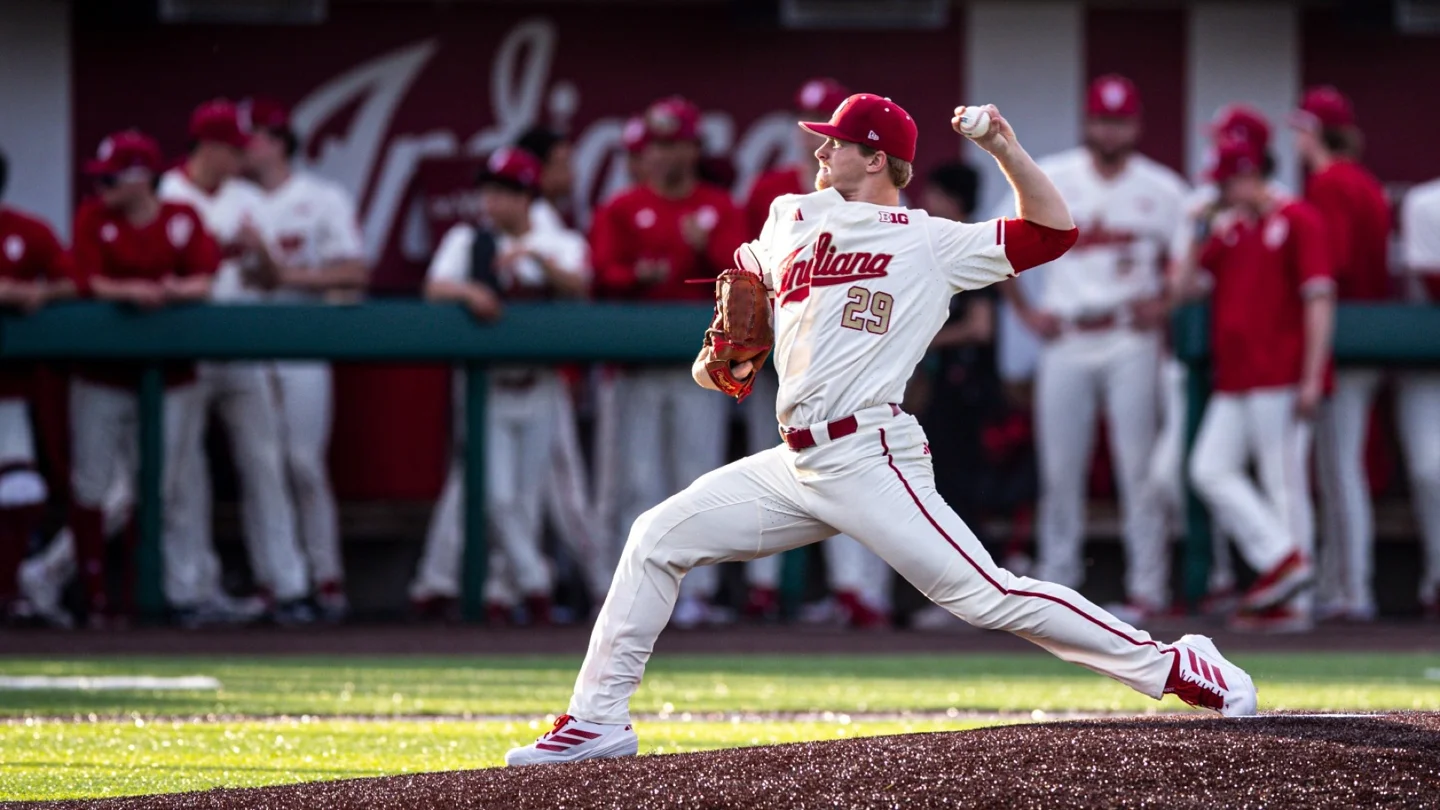
IU baseball has no single channel that carries every game. Find the exact Indiana matchup, read its broadcaster label, and use that service's access route. B1G+, Big Ten Network and an opponent's streaming platform can appear on different dates, while radio and live stats provide separate ways to follow the Hoosiers. This guide is checked on October 20, 2026; completed 2026 games below illustrate the process rather than promise future coverage.
Find the broadcaster for the exact Indiana game
Start at the Indiana team schedule or college baseball TV listings, then verify the event on Indiana's official schedule. The question is not simply which company covers Big Ten sports. You need the broadcaster for one opponent, on one date, at one venue. That distinction prevents a subscription purchase based on a game that belongs to another service.
The Washington series in Bloomington on March 6–8, 2026 provides a concrete example. IU listed B1G+ for the games, and its opening-game recap separately identified the weekend's stream and Indiana Sports Radio Network audio. A schedule row and a dated team notice agreeing about the same series give a much firmer answer than a generic search for “IU baseball live.”
Read the game row before opening an app
Check the selected season first. A university schedule may retain several years and display a separate next-event panel above the results. Make sure the row you are using belongs to your intended season. Then confirm the opponent, location and date, including any doubleheader notation. A historical listing can explain how rights worked previously, but it cannot establish the broadcaster for the next meeting.
Read the time-zone note as well. IU's schedule states that its game times are Eastern. A host or a streaming service may display a different zone or convert the event into your device's local time. Compare the actual date and zone before deciding that two listings conflict. This becomes especially useful on western road trips and for fans watching outside the United States.
Follow the game's Watch or Video link where available, then verify that the destination names the correct teams and date. An official school link may lead to a paid service, an account screen or a not-yet-open event page. The presence of a link establishes a route, not a promise of free viewing. Conversely, an early schedule without a TV label may simply be awaiting a later broadcast announcement.
Save the specific event page once it is confirmed. Return to the university listing after a schedule change, since a revised date can produce a new stream entry. For a weekend series, repeat this check for each game. Treating three rows as three viewing decisions is a small task that avoids discovering at first pitch that Sunday's broadcast differs from Friday's.
Separate B1G+ from Big Ten Network
The names are related, but the viewing decisions differ. B1G+ describes its live offering as non-televised events produced with conference schools. Big Ten Network's official FAQ separately explains its television service and FOX Sports simulcast for existing BTN subscribers. A paid account on one route should not be assumed to unlock the other.
IU's March 2026 series at Oregon shows why this matters for baseball. The university marked the first two games B1G+ and the finale Big Ten Network. A fan following the entire series needed to read all three listings instead of assuming that a successful Friday login solved Sunday. That completed-series example is a useful habit to copy, not a forecast of the next Oregon series.
Use B1G+ for a game explicitly listed there
Find the event in B1G+'s calendar or use Indiana's direct Watch link. Confirm the teams and date before purchasing. Then inspect the actual offer, including the billing period, renewal terms and account used for the transaction. The right subscription choice depends on how much confirmed coverage you intend to watch; a familiar team logo alone does not describe the whole season's rights.
Choose a supported device as part of that decision. The official device guide lists desktop browsers, mobile apps and streaming devices including Roku, Firestick and Apple TV, while stating that smart-TV browsers are unsupported. If your television has a browser but no suitable app, do not assume that opening the website on the television provides the same experience as a supported streaming device.
Set up the device you will actually use before the game. Signing into a laptop does not demonstrate that you have completed the account steps on the living-room television. Open the app, confirm the signed-in account and locate the event. If your purchase came through an app store, keep its receipt so customer support can identify that purchase route. Resolve an access problem before considering another subscription.
Coverage presentation can vary between campus productions. Judge a listing by the event it carries and the experience you need rather than expecting every baseball stream to resemble a national television production. If picture quality is essential to a paid decision, read the provider's current information and test the permitted preview or existing content on your own setup.
Use the BTN route when the listing names the television network
For a BTN game, look up Big Ten Network in your actual television package and local channel guide. The conference's How to Watch BTN route points to its channel finder. There is no single channel number that every IU fan can enter. A cable plan, a live-TV streaming package and another household's provider can use different channel locations and include different tiers.
When using the FOX Sports streaming route described by BTN, authenticate with an eligible television-provider account and verify the live game. Do not confuse that provider sign-in with a direct B1G+ account. If an app offers several purchase or sign-in choices, identify which one corresponds to the subscription you already own before accepting a new offer.
FOX One adds another distinction. B1G+'s official FOX One help page says that direct B1G+ and FOX One subscriptions use separate billing and credentials; B1G+ purchased as an add-on inside FOX One follows the FOX One route. Keep the purchase location and viewing app aligned. That simple account check can resolve an apparent missing-game problem without paying twice for access you already bought.
Follow road games and neutral-site events through their hosts
An Indiana uniform on the field does not mean an Indiana home broadcast. Road and neutral-site trips are the moments when an otherwise familiar viewing routine can change most sharply. Use the host's game page or the event organizer's official instructions alongside IU's schedule. Check the completed game's details rather than the next-event panel inside a recap, which may already point to a different opponent.
The 2026 schedule illustrates the variety without requiring any guess about future rights. Indiana's North Carolina trip was marked ACCNX, its Vanderbilt game SECN+, and its visit to Evansville ESPN+. Those labels are not interchangeable merely because some routes can appear inside the same broad streaming environment. Open the exact event and read the access requirement shown for that content.
For example, IU's March 17 Vanderbilt recap identifies the road game in Nashville but also contains information about the following Bloomington series. If you skim only the final paragraph or a prominent Watch button, you can accidentally assign the home weekend's provider to the completed road matchup. Match the date above the link to the date you want to watch.
Neutral-site events deserve the same attention. Indiana's Jacksonville Classic games in February 2026 were listed with D1Baseball.com. An event platform may sell access to an individual game, a weekend or a broader product, depending on the current offer. Read the organizer's actual coverage page and checkout before deciding what is included. A purchased ticket for attending the event is also a different product from a stream subscription.
If you plan to watch several games at a tournament, confirm each matchup and each day. A weekend logo on a promotional page is not enough to establish that the service carries every field or session. Compare the event's schedule with the provider's own list, especially when the organizer uses more than one venue. When a particular game is absent, ask the organizer rather than assuming an adjacent stream will switch to it.
Price comparisons should follow this coverage check. Make a short list of the Indiana games you actually intend to watch and the services explicitly assigned to them. Then compare the current billing terms for that set. Buying a long subscription because it carried one road game last season can be more expensive than following the new schedule carefully.
Conference tournaments and NCAA competition require another current announcement. A regular-season service is not a standing guarantee for postseason rights. When Indiana's postseason schedule is known, return to the tournament's official broadcast information and the dated IU game notice. This keeps the method useful from the first nonconference trip through the last possible game without pretending one app owns the entire route.
Use radio, live stats and replays as distinct ways to follow IU
A missing video subscription does not automatically end the search for official coverage. Indiana's dated game notices can provide an audio route and a live-stat feed alongside the stream. Each offers something different: radio describes the action, live stats report the developing game state, and a replay lets you return to the picture later if it is available. Choose the combination that fits how you are following the game.
The university's March 7 Washington recap, for example, explicitly advertised the following game's Indiana Sports Radio Network coverage through IUHoosiers.com/Audio. That is a sound starting point for the audio route. It is not evidence that every future IU game uses one local FM frequency or that a general athletics radio list applies unchanged to baseball.
Check the audio link for that date
Find Listen or Audio on the official game listing or preview. Confirm that the destination is baseball, the correct teams and the correct date. Athletics sites can carry several sports at the same time, so the first player visible on a general audio hub may not be your event. If there is a station listing, verify that the station is carrying this game rather than assuming its football affiliation covers the baseball season.
Read the access terms of the actual audio player. A free official broadcast, a subscriber benefit and a paid video feed are different offers. Do not supply payment details to an unrelated “live radio” page simply because it repeats Indiana's opponent. A direct link from the school gives you a more reliable way to identify the intended broadcaster.
Keep the game's official live-stat link available as a companion. It can help you follow the score, inning, runners and substitutions when you cannot watch. It cannot show the same things as the picture: the quality of a defensive first step, a pitcher's visible command problem or how an outfielder approached a ball. Use the feed for what it actually reports and avoid turning an incomplete update into a conclusion about a play.
Prepare a viewing setup that survives a schedule change
Before first pitch, open the event on your intended device, confirm the account and check that the game time still matches IU's latest notice. If the listing says the stream has not started, compare the date and revised first pitch before troubleshooting your internet connection. A doubleheader change may place the second game shortly after the first rather than at the original standalone time.
When you encounter an error, record the device, app or browser, event and message. Change one thing at a time so you can tell whether the issue is an account entitlement, an unsupported device or the event itself. Paying again is a poor first diagnostic step. A provider's support team can use the original purchase details and exact game name much more effectively than a report that “Indiana will not play.”
For delayed viewing, check the provider's replay guidance. B1G+ says its non-televised live-game replays are normally uploaded within an hour after completion and televised BTN games the next business day; some nonconference road games may have no replay there. Treat that as the provider's stated timetable and verify the actual event before building a spoiler-free evening around it.
Finally, decide whether you want the fastest score or an uninterrupted viewing experience. Live stats and social updates can run ahead of a delayed picture or audio feed. Close those alerts when avoiding spoilers matters. For a full weekend, save one short plan per date: opponent, first pitch and zone, video provider, audio link and replay option. That is enough structure to follow IU closely while still adapting when the series changes.
Join the conversation
Share a question or a thought about college baseball. Comments are reviewed before they appear. Keep it friendly and on topic.
No comments yet. Start the conversation.
Sign in with Google to leave a comment. Your email address is not displayed.