The best way to find a free college baseball stream is to choose the game first, then follow its official school or conference viewing link. Some events have a genuinely free video feed. Others require a subscription, while radio and live statistics may offer a no-charge way to follow the action. The word “free” in a search result cannot tell you which situation applies.
This guide explains how to make that distinction and build a reliable viewing routine. Broadcast examples are identified by season; information was reviewed on October 1, 2026. A published spring 2026 arrangement is useful evidence of how a service works, but it is not an announcement of spring 2027 rights.
Start with the game, not a list of streaming websites
Write down four things before opening a streaming app: the two schools, the date, the venue and the season. Include the full school name if an abbreviation could mean more than one team. A result for USC, for example, needs enough context to establish which institution and sport it describes. A page offering “baseball live” may be a studio show, a highlights collection or a different baseball competition entirely.
Find the matchup on the school's official baseball schedule. Read the individual game's media information, rather than assuming that a platform logo somewhere on the athletics website applies to every event. Look separately for Watch, Listen, Live Stats and the television listing. These labels answer different questions. A Listen button does not become video when opened on a television, and a television network name does not establish that its online feed is available without payment.
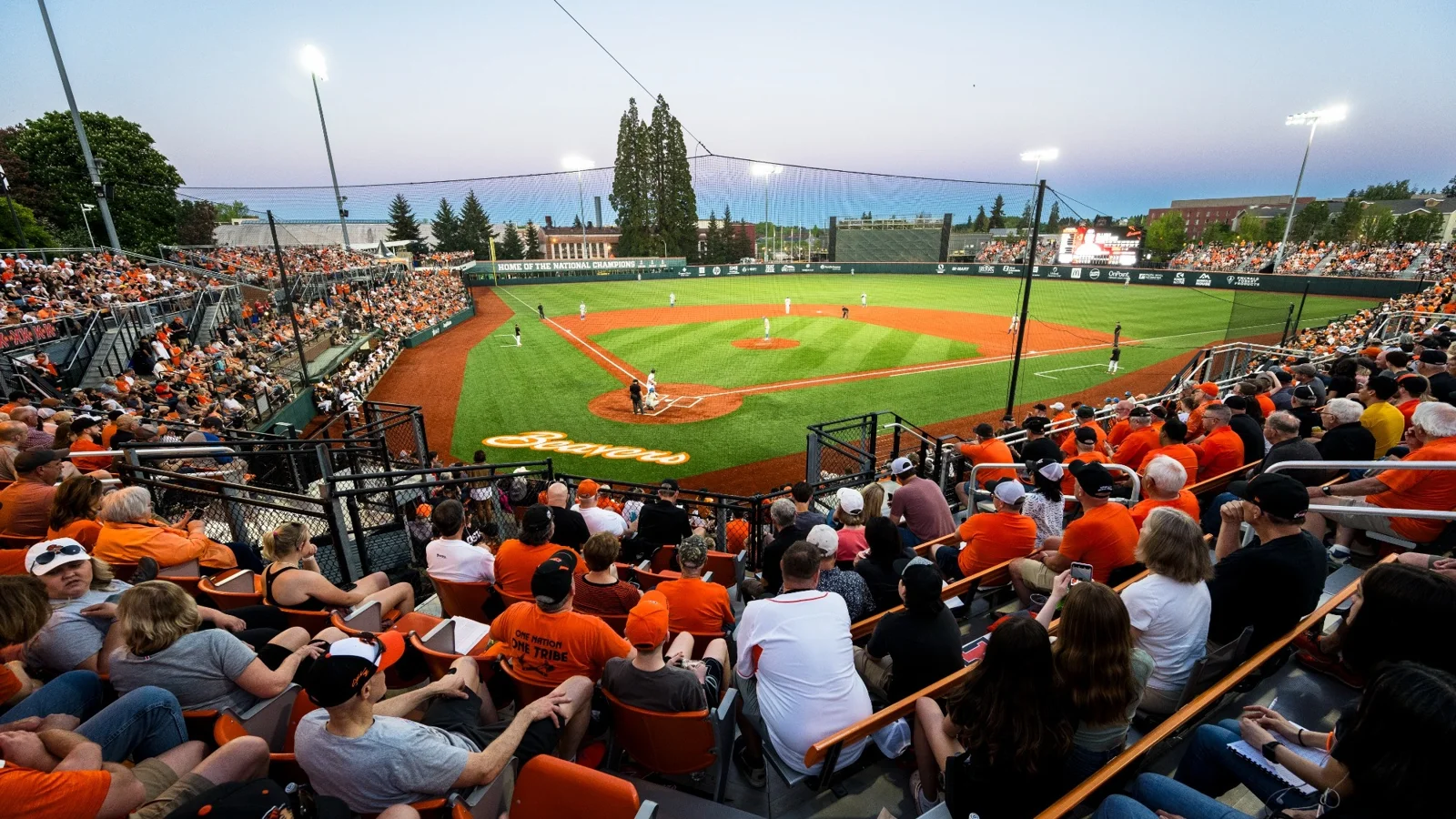
The Oregon State 2026 schedule illustrates the problem. It identifies different video outlets across the season, including FloCollege, D1Baseball.com, B1G+, ESPN+ and local television. Following the Beavers therefore meant checking individual games rather than choosing one season-long streaming shortcut. Those historical listings demonstrate variation; they do not guarantee that the same routes carry next season's games.
When both schools publish a viewing link, compare the opponent and start time on the destination page. For a neutral-site tournament, check the event organizer as well. This is especially valuable in February, when a familiar team may be playing at a tournament whose production has little to do with its usual home broadcasts. The venue is an important clue, but the actual event link is the answer.
Use our college baseball games today page to identify a matchup and our TV schedule to help locate the announced outlet. Then confirm the link with the official event source before making a viewing or payment decision. A schedule entry tells you what is planned; the provider's event page tells you what your account can play.
This approach also saves time. Instead of cycling through ten generic “free stream” pages, you test one documented route. If it opens a subscription screen, you have learned something useful: that particular video option has a gate. You can then look for a separately announced free simulcast, choose audio, or decide whether this game matters enough to justify paid access.
Where genuinely free video can appear
A useful free-stream recommendation needs two pieces of evidence: an official source confirming the service is free, and an official event listing showing that the game is on it. One without the other is incomplete. A free channel might be showing an old replay while the live matchup is elsewhere. A live game might be listed on a platform whose player requires a paid account.
School and conference broadcasts
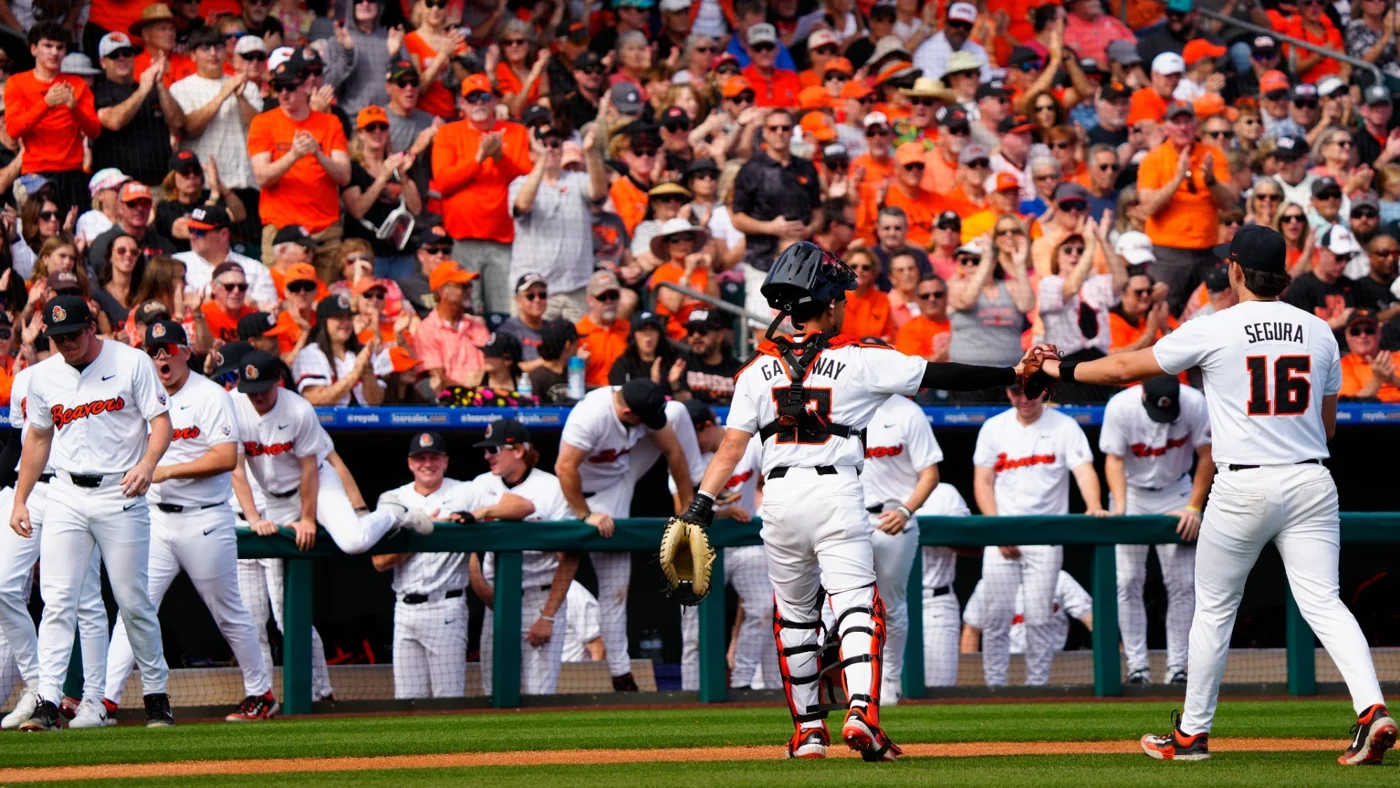
Oregon State supplied a concrete example in its February 2026 broadcast announcement: 28 games were scheduled for local KOIN or Portland's CW, with streaming routes that included Pac-12 Insider. The school explicitly identified Insider as free and ad-supported. This was an announced group of games, rather than a promise that every Beavers game everywhere could be watched without a subscription.
The conference's current Insider information also provides a browser route and identifies the service as free and ad-supported. Start there when an individual game is actually assigned to Insider. Advertisements do not make the broadcast paid, but the existence of the channel does not establish the next game's place in its programming.
Apply the same evidence test to a school-produced feed or a conference network. Check whether the Watch button opens directly, asks for a free registration, requests a TV-provider login or requires checkout. A free registration can still involve an account; write down which account you used so that you can reproduce the route for the next game. Do not treat a previously working bookmark as proof that a new event has identical access.
Home, road and neutral-site coverage should be considered separately. The school you follow can point fans toward an opponent's production without controlling its price. That makes the host's announcement especially useful. A broad league membership label is a starting point for research, but a matchup-specific viewing notice is stronger evidence than an assumption about conference television rights.
Official YouTube streams need a game-specific check
Ordinary YouTube and YouTube TV are separate viewing products. An athletics department's YouTube channel can publish interviews, highlights, archived games and live events. A search result leading to a YouTube TV trial is describing a subscription television service, even when the search phrase was “free YouTube baseball.” Read the destination carefully before interpreting its headline.
Follow the channel from the school's or conference's website, then inspect the individual video. Confirm both schools, the scheduled date and whether the item is live, upcoming or a recording. A long video is not automatically today's game. A stream thumbnail with “LIVE” printed into the artwork is not as useful as the actual event status and the official schedule link.
Scope matters even for a clearly official announcement. Fresno State's fall 2026 viewing guide described free Pac-12 home Olympic-sport broadcasts on YouTube. That fall announcement does not, by itself, confirm spring 2027 baseball coverage. Check the sport and season named in the document before carrying the arrangement forward.
When you do find an officially linked free full-game stream, save its event page and the school schedule together. The first gets you to the picture; the second lets you check a postponement or changed first pitch. This pair is more useful than subscribing to a channel and hoping the correct game appears in your recommendations.
What ESPN, trials and paid platforms actually mean
A game displaying ESPN branding is not automatically free, and a familiar app icon does not reveal your entitlement. Identify the event's specific network or streaming label, then check the access attached to your account. Avoid using an old explanation of ESPN+ as a universal rule for today's packages: subscription products and provider arrangements have changed.
Free to an existing subscriber is not free to everyone
ESPN's current provider guidance says eligible customers of supported services may already receive ESPN Unlimited within their pay-TV package. Activation and account linking can be required. Separately, YouTube TV documents ESPN Unlimited access for its main plan. An included benefit can save an existing subscriber from buying a second package, but the underlying television subscription remains paid.
Before paying again, sign in with the account that holds your existing service and follow its official activation instructions. If an event still asks for a subscription, check the named plan and entitlement rather than assuming the player is wrong. A login problem, an ineligible package and a game outside that service are different problems. Knowing which one you have prevents an unnecessary purchase.
Free trials require a different decision. YouTube TV's official offer terms describe eligibility restrictions, payment details at signup and automatic charging when the trial ends unless canceled in time. The terms of the offer actually shown to your account matter. A duration mentioned in an old search result may be unavailable to you, and a trial for an add-on is not necessarily a trial for the main television plan.
For one important series, check all the dates against the trial's actual end time before joining. Also confirm that the announced game outlet is included. A trial with no relevant game is poor value even if its introductory price is zero. If you intend to stop afterward, record the cancellation deadline and use the provider's membership page to verify the result.
The same practical rule applies to Flo, event subscriptions and other paid routes: inspect the game page and checkout terms before committing. Do not infer that an app is free because downloading it costs nothing. The app can be a free container for paid video. Our college baseball viewing guide helps identify the different outlets; the individual event and account determine the final access.
Follow the game when there is no free picture
If the only confirmed video is paid, inspect the school's Listen and Live Stats links before abandoning the game. These are separate productions with separate access conditions. They can provide an excellent way to follow a team, although neither should be advertised as a free video stream. Open them from the official schedule and check whether that particular destination has its own login or payment requirement.
Louisville's radio network page, for example, directs baseball listeners to 93.9 The Ville's online streaming platform. It also notes that affiliates can carry limited schedules. The useful lesson is to follow the school's current radio information and game listing, rather than assume a station covers every event because it carries the team in another sport.
Radio and statistics complement each other. The announcer supplies the sequence of events and context; a statistics window can help you retain the lineup, inning, score and pitching changes. Keep the stats focused on the information you actually need. Constantly refreshing three scoreboards adds little if the primary feed already shows who is batting and how many outs there are.
For baseball understanding, look beyond the run total. A team can lead while its starting pitcher is approaching the end of an effective outing. A pitching change, walk or defensive substitution can alter the next inning's choices. Where the official feed supplies those details, follow the developing game state rather than reducing the evening to one score update.
The official Oregon State–Xavier box score from March 6, 2026 shows how much can be retained after a game: inning scoring, individual batting and pitching information, and play-by-play. It is an archive example, not a live feed. During a new game, follow the current event's Live Stats link; after it ends, the completed box score helps explain a result you heard in fragments.
Do not expect every statistical page to describe pitch movement, defensive positioning or contact quality. Numbers can identify a strikeout or a runner advancing; they may not show why the hitter missed or how the defense handled the ball. That is a limit of the viewing experience, not a reason to turn unsupported guesses into scouting conclusions.
If the audio and statistics disagree momentarily, check their update times and accept that separate feeds may arrive at different moments. Choose which one leads your experience. Fans trying to avoid spoilers may prefer to close a faster scoreboard and listen through the inning. Our college baseball scores page is useful for checking results, but it should not be confused with a synchronized companion to every radio broadcast.
Fix the common problems before first pitch
Give yourself enough time to identify what has failed. A waiting screen, a spinning player and a subscription prompt look equally frustrating when you arrive for the first batter, but they require different responses. Read the message before changing accounts or hunting for another stream.
A stream marked live may still be waiting to start
Compare the event date and start time with the newest school notice. Check the time zone explicitly, especially for a road trip across the country. Broadcast announcements can themselves move first pitch: Oregon State's 2026 home-coverage announcement included time adjustments. A saved calendar entry or old preview can therefore be less current than the individual schedule.
If the correct event is still waiting, check for a postponement or delay before diagnosing your device. A screen containing the right matchup does not prove the teams are already playing. Conversely, if current official statistics show an active game and the picture will not start, the player or your connection deserves attention. This is a practical distinction, not a guarantee that all statistical feeds update instantly.
For an actual playback problem, use the platform's support instructions. YouTube's troubleshooting guidance recommends checks such as reopening the app or browser, updating software, trying another connection or device, and adjusting quality where available. Start with a small change and see whether it helps. Keep the event link rather than repeatedly returning to a broad search page.
Do not buy a new package to fix ordinary buffering. A payment requirement is an entitlement question; a stream that starts and repeatedly stalls is a playback question. If you cannot solve the picture quickly, switch to the official audio or statistics while you investigate. You can still follow the inning rather than lose the game to troubleshooting.
Use Reddit and search results as leads, then verify the host
A fan discussion can be useful when it names a broadcaster you had overlooked. Treat that name as a research lead. Return to the school, league or organizer to establish whether the outlet carries your game, then open the official destination. A comment reporting that a stream worked last weekend does not determine the price, geography or event list this weekend.
Search titles also mix intentions. “Free” can describe a trial, and “live” can appear in the name of a studio program. Baseball results may include professional, exhibition or entertainment teams alongside NCAA schools. Verify the competition before evaluating the stream. A popular baseball channel with lively crowds is not automatically college baseball coverage.
The most useful source chain is short: official schedule, named event, actual player. When those three agree, you can spend your attention on the game. When they do not, stop and resolve the mismatch. Keeping that habit matters more than memorizing a long list of websites whose inventory and payment arrangements can change.
A repeatable routine for a weekend series
Plan the series as individual games. Oregon State's historical March 2026 schedule, for example, listed Portland's CW and KOIN on different dates against Xavier. Even within one opponent sequence, the television name was not identical every day. A successful Friday connection is a useful bookmark, but it does not replace checking Saturday's event.
- Identify the exact matchup. Confirm date, season, venue and local start time. Use the current school schedule to resolve any conflicting calendar entry.
- Open its official Watch link. Check the player title and broadcaster against the matchup. For a neutral-site event, inspect the organizer's announcement.
- Classify the access. Establish whether it is open free video, free registration, an included paid-plan benefit, a temporary trial or a new subscription.
- Prepare the device. Open the correct app and account before first pitch. Follow official help if a problem appears; distinguish a payment prompt from buffering.
- Save a fallback. Keep the game's radio and live-stat links nearby. They help you follow the inning if the picture is unavailable.
- Check the next game separately. Revisit time changes and the individual viewing link rather than assume the entire series shares one feed.
That preparation is worthwhile because college baseball is easier to understand across several games. Watch how a team approaches the next outing after using its strongest relievers, or how a lineup responds to a different starting pitcher. These are viewing questions, not predictions that one win proves a team is better. A series gives you more context than a highlight clip or final score alone.
If keeping the entire weekend free means choosing radio for one game and video for another, make that choice deliberately. The aim is a clear and reliable connection to the baseball you want to follow. Begin with the college baseball schedule, verify each official route, and let the confirmed event information determine where you watch.
Join the conversation
Share a question or a thought about college baseball. Comments are reviewed before they appear. Keep it friendly and on topic.
No comments yet. Start the conversation.
Sign in with Google to leave a comment. Your email address is not displayed.